
Counting Tool
Word Counter
Count words, sentences, and paragraphs quickly for articles, captions, assignments, and content writing.
Open Word CounterUse ASFIT free text tools to count words, check characters, convert text case, analyze keyword density, and turn plain text into emoji-style content. These browser-based tools are simple, fast, and useful for writing, editing, SEO, social media, and daily content work.
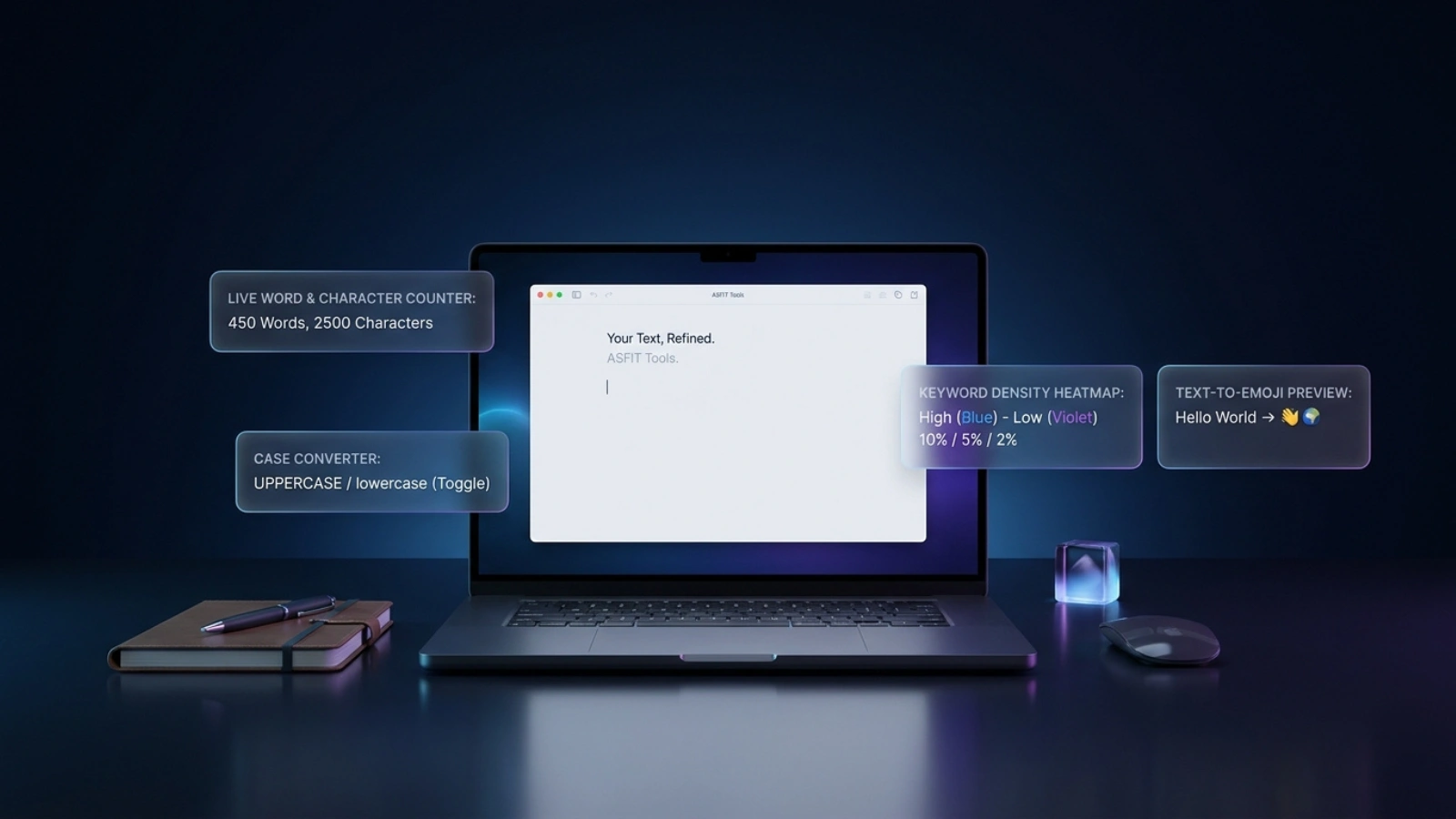
Search by tool name or filter by purpose to quickly open the right writing or text editing tool.
Use search or category filters to find a writing tool.
Open one of the online text tools below to improve writing, edit content, check text length, and prepare content for websites, blogs, videos, and social media.
Count words, sentences, and paragraphs quickly for articles, captions, assignments, and content writing.
Open Word CounterCheck character length for meta descriptions, titles, social posts, SMS text, and short-form content.
Open Character CounterConvert text into uppercase, lowercase, title case, sentence case, and other useful text formats.
Open Case ConverterAnalyze keyword usage in your content to improve SEO writing and avoid keyword stuffing.
Open Keyword Density CheckerConvert simple text into emoji-style content for captions, posts, comments, and creative messages.
Open Text to Emoji ConverterASFIT writing and editing tools are made for users who need quick support without installing extra software. Writers, students, bloggers, SEO learners, YouTubers, and social media creators can use these tools to check text length, improve formatting, review keyword usage, and prepare cleaner content.
Complete common writing checks without paid access.
Paste text and work directly online from any device.
Review length, formatting, and keyword usage faster.
Use the tools comfortably on phones, tablets, and desktops.
Choose the text tool you need.
Paste or type your text into the tool.
Use the result in writing, SEO, or content planning.
Before publishing content, check word count, character length, readability, and keyword usage. Short titles and descriptions should stay clear, while longer articles should be structured with headings and natural wording. Avoid repeating the same keyword too many times. Use text analysis tools as a guide, then edit the final content manually for accuracy, tone, and quality.
These online text tools are helpful for school assignments, blog posts, product descriptions, video captions, meta descriptions, emails, and social media updates. They support quick checks before publishing and help users spot length, format, and keyword issues early.
Need more online tools? Visit the full ASFIT Tools directory to explore calculator tools, SEO tools, YouTube creator tools, utility tools, and more.
These tools are created for writing support, text editing, SEO checking, and content planning. Results should be reviewed before publishing because final quality depends on your writing style, audience, topic, and platform requirements.
For content quality guidance, see Google helpful content guidelines.
Quick answers about ASFIT writing tools and content editing support.